Meet Manfa App's Drag & Drop Flow Builder
2 min readManfa App Team
Manfa App’s AI chatbot already answers questions automatically from your PDF. But what if you need more structured chat flows?
For example:
- Customer texts “promo” → chatbot sends today’s promo list
Or:
- Customer texts “sign up” → chatbot asks their name → chatbot sends a registration confirmation
For these scenarios, you need the Flow Builder.
What Is Flow Builder?
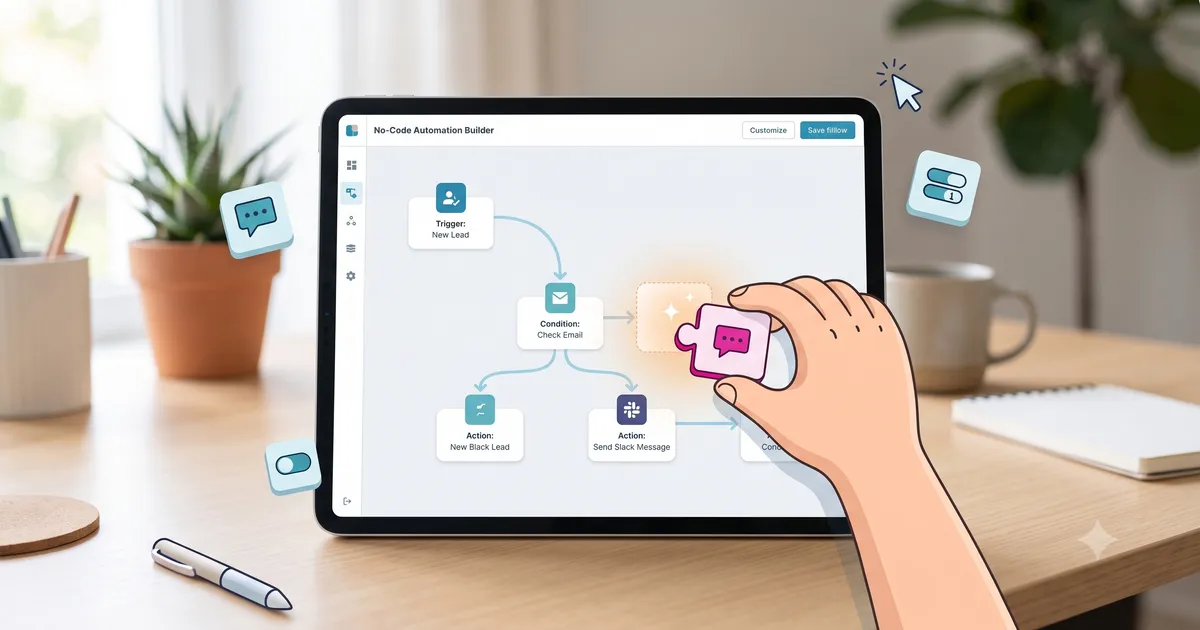
Flow Builder is a visual tool that lets you design WhatsApp conversation flows with drag-and-drop. No coding needed.
How It Works
Flow Builder uses connected conversation blocks:
- Trigger Block — Keyword that starts the flow (e.g. “promo”)
- Message Block — Text the chatbot sends
- Input Block — Captures the customer’s reply (e.g. name, address)
- AI FAQ Block — Routes questions to the FAQ chatbot built from your PDF
Current status: flows run linearly — 1 trigger → 1 message, or → 1 input → 1 message. Branching and longer message sequences are on the roadmap.
Example Flow
Flow: Promo Info
[Trigger "promo"] → [Message: "Today's promo: 20% off the entire menu!"]Flow: Sign-up
[Trigger "sign up"] → [Input: "What's your name?"] → [Message: "Thanks! You're registered."]With Flow Builder, create this in 5 minutes — no coding.
Flow Builder Advantages
- Visual — See the conversation flow visually, easy to understand
- No-code — Just drag, drop, and connect blocks
- Flexible — Linear message sequences with customer input; branching coming soon
- AI integration — Combine with AI chatbot for out-of-flow questions
- Real-time preview — See how flows look on WhatsApp before publishing
Key Takeaways
- Flow Builder enables visual chat flow design without coding
- Blocks: Trigger, Message, Input, AI FAQ
- Perfect for structured scenarios: product info, sign-ups, consultations
- Integrates with AI chatbot: AI handles common questions, flow handles business processes
Ready to Turn Your WhatsApp Into an AI Assistant?