Just 1 Minute: Turn a PDF Resume Into a Smart WhatsApp Bot
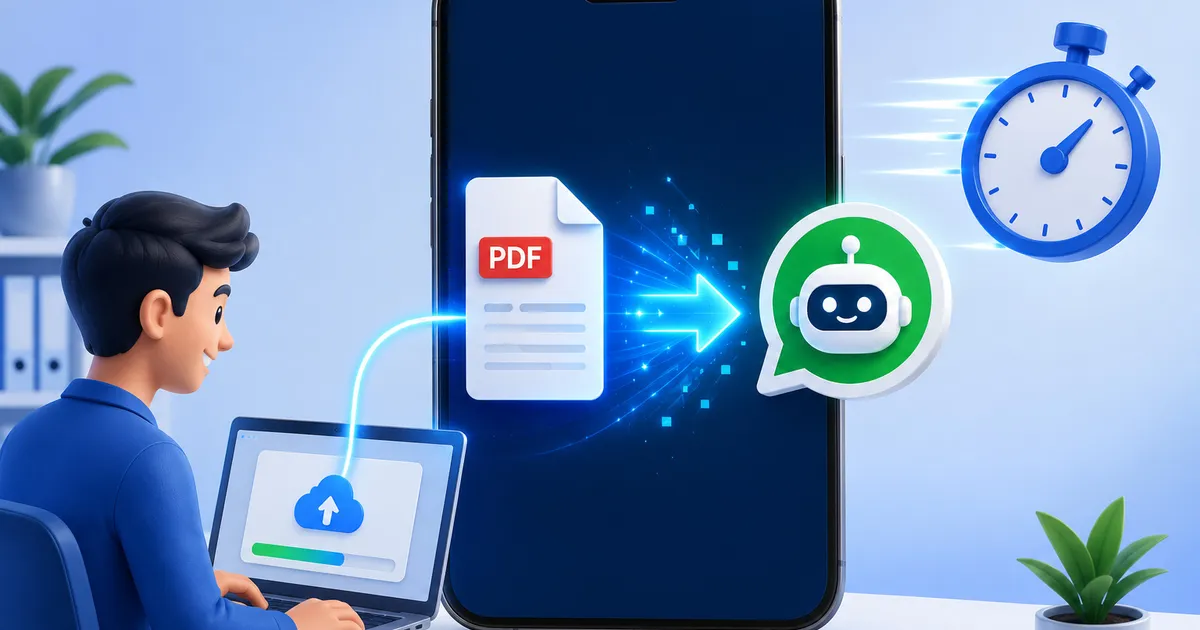
Manfa App’s promise is simple: upload PDF, 1 minute, your WhatsApp is ready to answer customer questions automatically.
Here’s a step-by-step guide on how it works.
What You’ll Need
- PDF document (CV, SOP, product catalog, brochure)
- Active WhatsApp number
- Internet connection
Step 1: Create a Manfa App Account
Visit web.manfa.app and sign up for free. Registration only needs email and WhatsApp number.
Step 2: Upload PDF
On the dashboard, click “Upload PDF” and select your document. Max size: 2MB for Free accounts, 6MB for Pro accounts.
Step 3: AI Reads Your Document
In seconds, Manfa App’s AI reads your entire PDF content including:
- Main text
- Lists and tables
- FAQs
- Contact info and pricing
Step 4: Activate Chatbot
Once AI processing completes, your chatbot is live. Customers who message your WhatsApp will receive automatic answers based on your document.
Step 5: Test It
Send a message to your own WhatsApp and see how the AI responds. Try asking different things from your document.
Example Scenarios
A freelance designer uploads CV:
- Chat: “Hi, what services do you offer?” → Bot answers from CV
- Chat: “What’s your hourly rate?” → Bot answers from pricing info
- Chat: “Can you design a logo?” → Bot answers from service list
A store owner uploads product catalog:
- Chat: “Is product A in stock?” → Bot answers from inventory
- Chat: “Shipping cost to Singapore?” → Bot answers from shipping policy
Pro Tips
- Use well-structured PDFs — Clear document structure = more accurate chatbot
- Include an FAQ section — Add FAQ pages if available
- Update regularly — Re-upload when information changes
- Monitor questions — See what customers ask most to refine your document
Key Takeaways
- 1-minute setup: upload PDF, AI processes, chatbot goes live
- No coding or technical knowledge needed
- AI understands various document formats
- Works for CVs, SOPs, catalogs, brochures
- Free to start
Read next: Introducing Manfa App — meet the AI WhatsApp chatbot platform.
Ready to Turn Your WhatsApp Into an AI Assistant?
