Why WhatsApp Bans Business Numbers & How to Avoid It
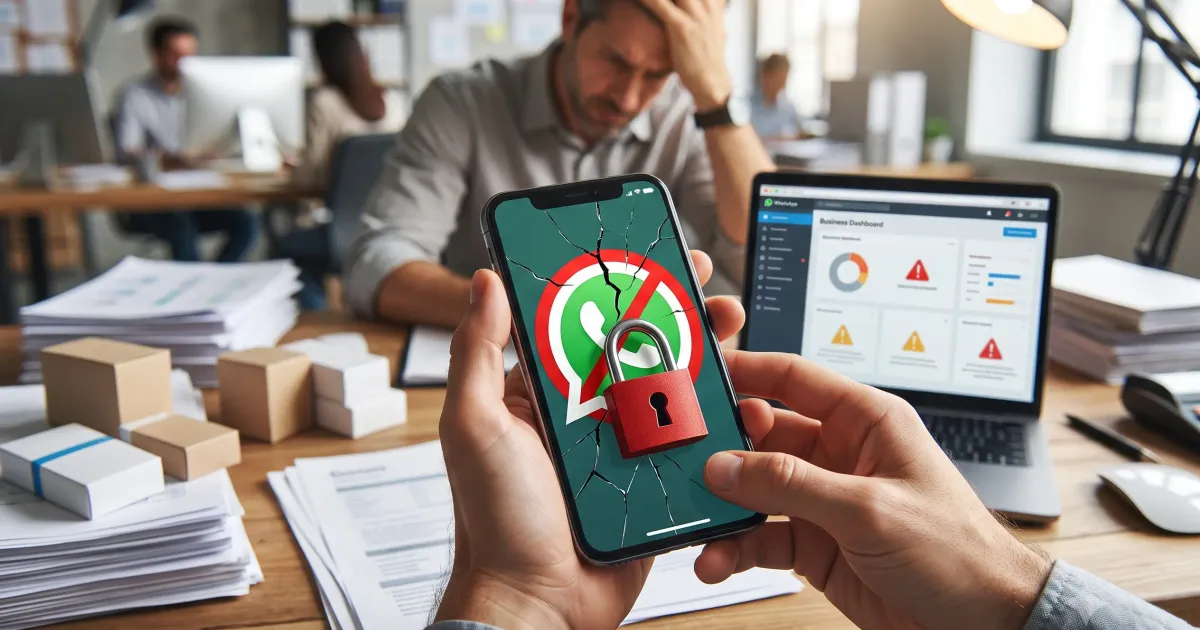
Have you experienced it? One day your business WhatsApp number suddenly stops working. No warning. No explanation. Just: “Your account has been banned.”
Panic sets in — because your WhatsApp number is often the backbone of your business communication. Orders, confirmations, team discussions — everything depends on that number.
In this article, we’ll cover the common causes of WhatsApp bans and how to avoid them.
5 Main Causes of WhatsApp Bans
1. Mass Broadcasting Without Permission
The number one cause. WhatsApp has sophisticated spam detection. Sending identical messages to numbers that don’t have you saved as a contact triggers the spam algorithm.
Safe limit: Don’t broadcast to more than 50 numbers per hour. Ensure recipients have your number saved.
2. Using Modified WhatsApp Versions
WA GB, WA Plus, and other mods offer extra features but carry severe ban risk. Official WhatsApp doesn’t allow third-party apps.
Solution: Use official WhatsApp Business. For larger broadcasts, use WhatsApp Business API.
3. Rapid Device or Number Changes
Frequent device switching or using different SIM cards interchangeably triggers unusual activity detection.
4. Reported by Multiple Users
If many users report your number as spam, WhatsApp will review your account. Violations lead to bans.
Tip: Always provide value in every message. Unhappy recipients can report you.
5. Messaging Newly Activated Numbers
Spammers buy phone number databases and broadcast to all of them. WhatsApp detects this pattern and blocks the account.
How to Avoid WhatsApp Bans
1. Warm Up New Numbers
Don’t broadcast immediately from a new number. Use it for normal chats for 1-2 weeks first.
2. Limit Broadcast Frequency
Max 50-100 messages per hour with natural pauses between sends.
3. Ensure Recipients Know You
Only broadcast to contacts who have your number saved. Higher save ratio = safer account.
4. Vary Your Messages
Don’t send identical messages to everyone. Create small variations.
5. Use WhatsApp Business API
For larger scale, use the official WhatsApp Business API. It offers higher limits and ban protection.
What to Do If Banned
- Don’t panic — Bans are usually temporary for minor violations
- Appeal — Open WhatsApp → tap “Help” → explain your situation
- Wait — Appeals typically take 1-7 days
- Don’t create a new account with the same number — This escalates the issue
- Evaluate — What triggered the ban? Avoid repeating it
Key Takeaways
- Mass unsolicited broadcasting is the #1 cause of bans
- Modified WhatsApp apps carry extreme risk
- Warm up new numbers before broadcasting
- Limit frequency: max 50-100 messages per hour
- For enterprise scale, use official WhatsApp Business API
- If banned, appeal calmly and evaluate the cause
Ready to Turn Your WhatsApp Into an AI Assistant?